
Security Camera Guide 2026: The Complete Home Security Buyer Manual
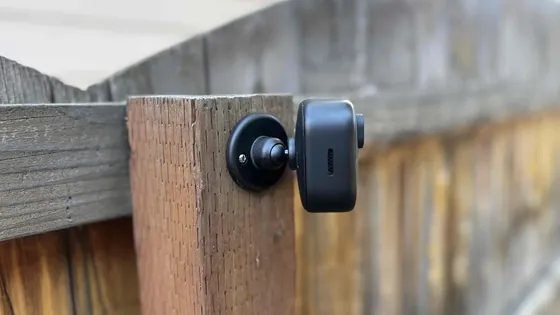
Table of Contents
More than 1.1 million burglaries are reported to US police every year. The average residential break-in costs around $2,800, and only about 1 in 8 cases is ever cleared. A security camera is often the only witness a homeowner gets. The real failure is rarely the camera count. It is the buying decision. Most people pick a home security camera from a marketing page, then discover at night that faces are unreadable. The memory card holds three days. The "wireless" model needs a cable anyway. This guide covers the whole decision: indoor vs outdoor, wired vs wireless, night vision, storage without monthly fees, installation, real price tiers, and the wholesale path for buyers who resell. A security camera for home use follows the same rules, whether you buy one unit or a hundred. Every spec claim below is factory-verified or marked as a typical range.
This guide walks through what a home security camera system must actually deliver. It covers matching cameras to each room and zone, plus the specs that survive a dark night. It shows how to store footage with no subscription fee, and what security camera installation really costs. It ends with the wholesale path, where a security camera manufacturer sells below retail markup. By the end you can read a supplier quote line by line and spec a complete system with confidence.
Keep reading for more!
The Snapshot
- A 1080p (2MP) camera is the entry floor in 2026; 2K (3MP) and 4K (8MP) models cost a little more and separate identifying a person from identifying a face.
- Wired and wireless are different products, not different versions. A PoE camera runs one Ethernet cable up to 100m with power and data (IEEE 802.3af/at); a battery-powered wireless security camera installs anywhere but records 2-6 months per charge and can miss motion between triggers.
- Night vision is the spec buyers skip. IR cameras switch to black-and-white below about 1 lux; full-color units with an F1.0 lens and a 1/2.7" sensor hold color down to 0.1 lux, roughly the light of a full moon.
- Storage math decides retention. A 5MP camera at 4 Mbps writes about 43 GB per day. A 256GB SD card holds roughly 10-20 days of continuous 1080p H.265 footage. A 2TB drive in an NVR covers a 4-camera home for weeks.
- A no-subscription system records to local storage (SD card, NVR or NAS) with free P2P remote access. Cloud plans typically cost $3-12 per camera per month. A security camera with no monthly fee wins on total cost after year one.
Why Home Security Cameras Matter
The numbers explain the demand better than any marketing page. FBI data shows about 1.1 million burglaries reported per year, with an average property loss near $2,800 per incident. Daytime burglaries outnumber nighttime ones in most years. The camera that works in daylight matters as much as the one that works at night.
Deterrence is measurable. In a widely cited University of North Carolina survey of convicted burglars, 83% said they would check for alarms or cameras before breaking in. 60% said they would move to another target if one was present. A visible outdoor security camera is not decoration. It changes the attacker's calculation before a window is touched. Home surveillance also supports insurance claims and neighbor disputes with timestamped evidence.
Evidence is the second job. Police clear roughly 1 in 8 burglaries. Footage with a readable face or license plate is often the difference between a case that opens and one that closes. Cameras do not stop every crime, but they raise the cost of every crime committed against your property. For resellers and integrators, these same numbers are the sales story. The market for home security cameras keeps growing because deterrence, evidence and insurance value all point the same way.
Types of Security Cameras: Indoor, Outdoor, Wired, Wireless
The security camera market splits along four axes: location, power, connectivity and form factor. Almost every product on the shelf is a combination of these choices, so learn the axes first and the brands stop mattering.
1. Indoor security cameras
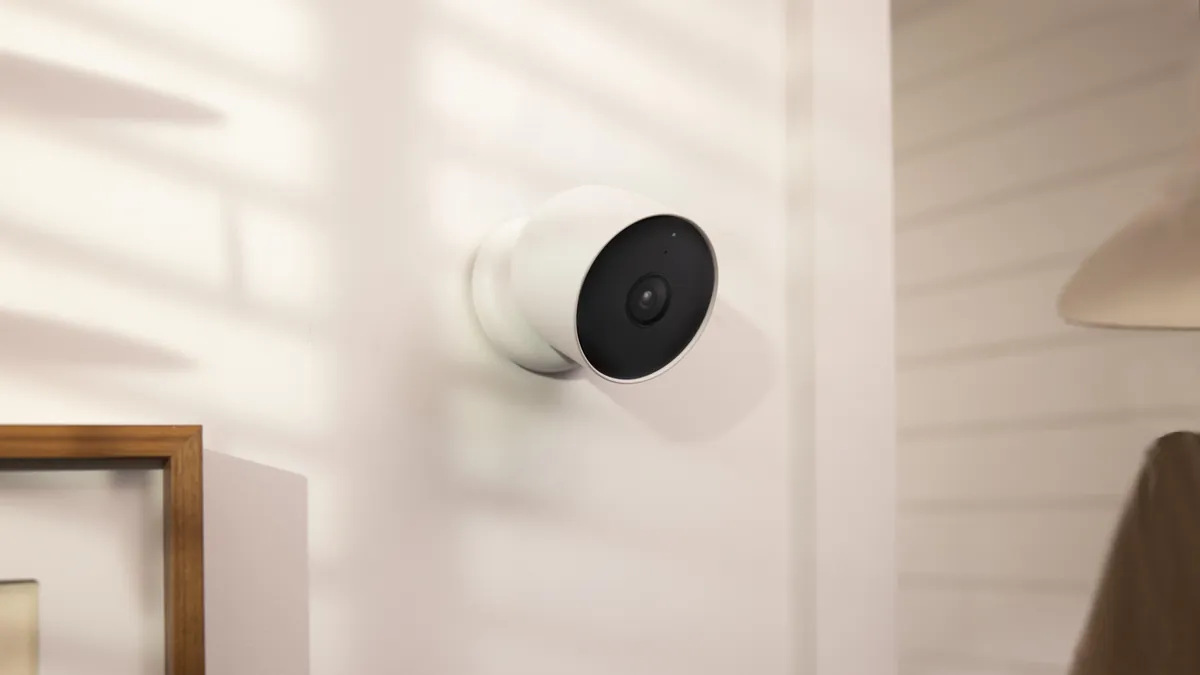
An indoor security camera lives inside: living rooms, nurseries, offices, shops. They are smaller, cheaper and easier to install than outdoor units, with plastic housings, 10-20m IR ranges and plug-in power. Resolution runs 1080p to 4K, and the best indoor models add pan-tilt, two-way audio and pet or baby detection. Expect a typical draw of 3-7W and zero weather requirements. See the indoor camera range for current models.
2. Outdoor security cameras
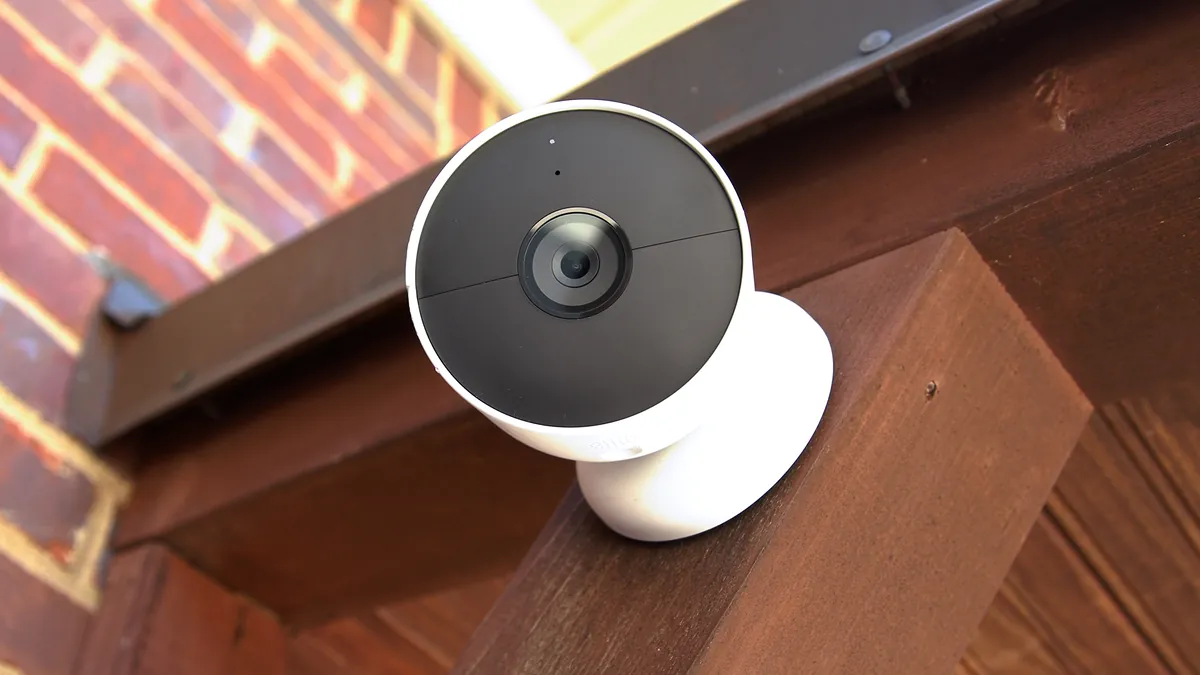
An outdoor security camera must survive rain, sun and temperature swings. The minimum weather rating is IP65. IP66 and IP67 are better, and the housing should be metal or UV-stabilized plastic. Outdoor units carry stronger IR (20-50m typical, up to 80m on premium models). They add wider dynamic range for backlit driveways, and often a heater for freezing climates. Do not run an indoor camera outside. It fails within a season. Browse the outdoor camera line for the full range.
3. Wired security cameras (PoE and DVR)
Wired cameras get power and data through a cable. The modern standard is PoE (Power over Ethernet): one Cat5e/Cat6 cable carries both, up to 100m per run, with the camera drawing 5-20W from a PoE switch or NVR. Legacy coax systems use a DVR with AHD/TVI/CVI signals and separate power. Wired cameras record continuously without battery anxiety and are the backbone of every professional installation.
4. Wireless security cameras (WiFi, battery, solar, 4G)
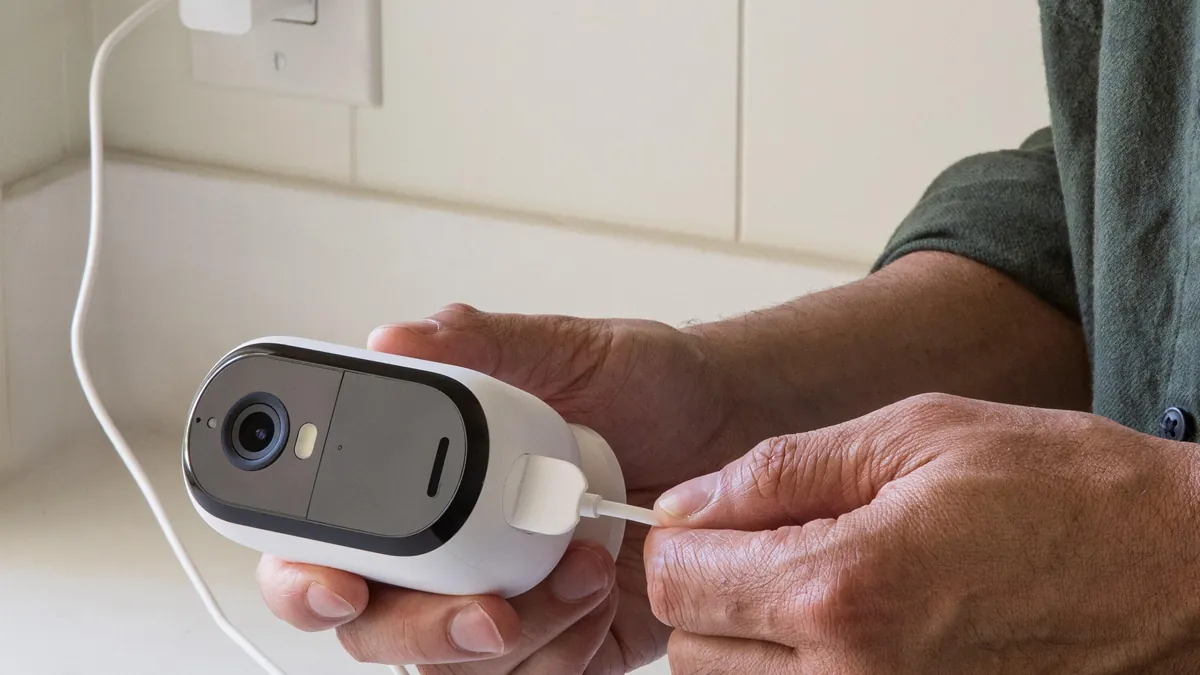
A wireless security camera connects over WiFi or cellular. Battery models install anywhere with no drilling, typically running 2-6 months per charge, and solar panels (2-6W) extend that to indefinite in sunny locations. 4G cameras work where WiFi does not reach. The trade-off is recording continuity: wireless cameras usually record on motion events, not 24/7, and every event burns battery and bandwidth.
5. Form factors: bullet, dome, PTZ, doorbell
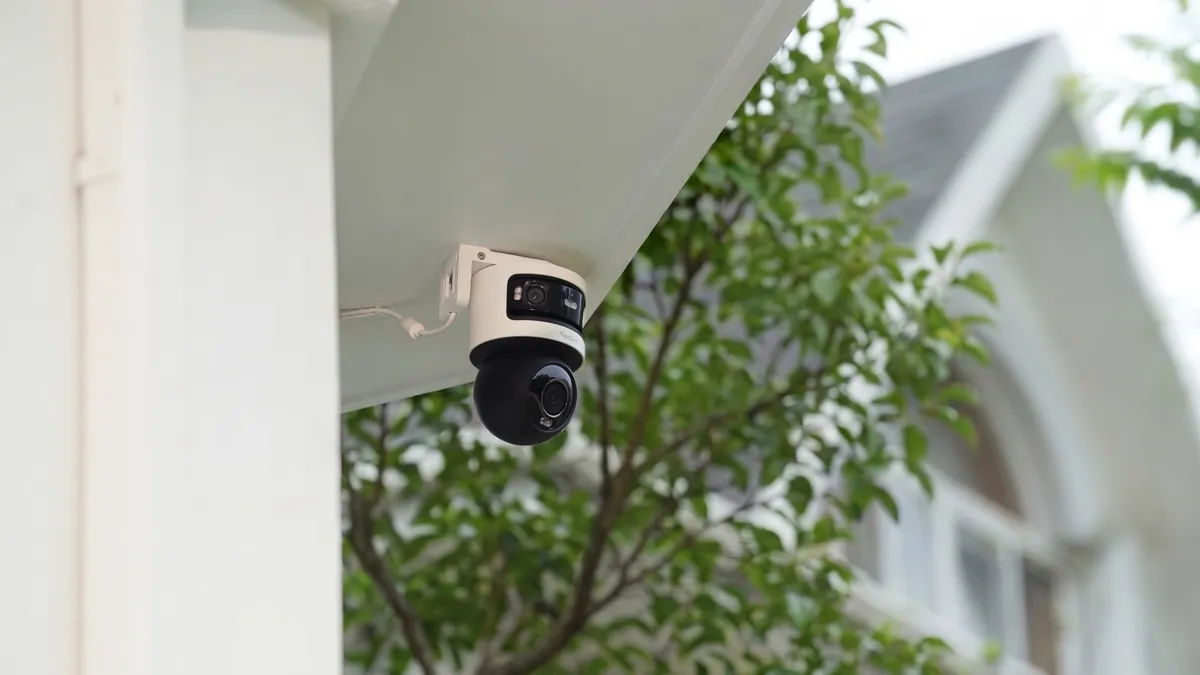
Bullet cameras are the visible outdoor workhorse with long IR. Dome cameras are discreet and vandal-resistant for shops and offices. PTZ (pan-tilt-zoom) cameras cover large areas with one motorized head. Doorbell cameras replace the doorbell and watch the front door approach. The form factor is a site decision, not a quality decision.
Indoor vs Outdoor Security Cameras: What Changes
The same resolution can hide very different hardware. The table below is the version to keep when comparing any indoor and outdoor model.
| Factor | Indoor | Outdoor |
|---|---|---|
| Weather rating | None needed (IP20-IP40) | IP65 minimum, IP66/IP67 preferred |
| Housing | Plastic, light | Metal or UV-stabilized, sealed, often IK08+ vandal rating |
| IR range | 10-20m typical | 20-50m typical, up to 80m premium |
| WDR (backlight) | Useful near windows | Essential: 100-140dB true WDR for driveways and glare |
| Climate | Room temperature | -30°C to 60°C operating range, heater/fan options |
| Power draw | 3-7W | 8-20W with IR, heater and wiper loads |
| Best positions | Entrances, corridors, nursery, cash register | Eaves, fences, gates, driveway, yard perimeter |
Two outdoor specs deserve extra attention. WDR (wide dynamic range) fixes the classic driveway failure, where a subject walks out of a bright sky into shadow. The face clips to black without it. True WDR of 100-140dB handles that scene. A cheap "WDR" label without a number usually means nothing. The second spec is the operating temperature range. Cameras rated to -30°C with a built-in heater keep recording through winter. Standard units fog up or drop IR below freezing.
Indoor units face a different enemy: backlight and glare through windows, plus privacy expectations in bedrooms. Choose models with privacy masks or shutter modes for rooms where a lens is unwanted at night. Be wary of "indoor outdoor" labels on cheap hybrids. The IP rating, not the label, decides where a camera survives.
Wired vs Wireless: PoE, WiFi, Battery, Solar
The "wired vs wireless" question is really four questions, because wireless splits into WiFi, battery and cellular variants. The comparison table is the shortest path through it.
| Factor | PoE (wired) | WiFi plug-in | Battery / solar | 4G cellular |
|---|---|---|---|---|
| Power | One Ethernet cable, 802.3af/at (up to 25.5W) | Wall outlet | Internal battery, 2-6 months; solar extends | Battery or solar |
| Data | Ethernet, stable | 2.4/5GHz WiFi | WiFi on event | Cellular network |
| Recording | 24/7 continuous | 24/7 or scheduled | Motion events only | Motion events mainly |
| Install | Cable run (max 100m per IEEE 802.3af/at) | Near an outlet, within WiFi range | No cabling, any mount point | No cabling, no WiFi needed |
| Weak point | Drilling and cable routing | WiFi dead zones, outlet proximity | Misses motion between triggers | SIM data cost and latency |
1. PoE wins on reliability
A PoE security camera never drops its stream because someone microwaved near the router. Power and data share one cable, the NVR or switch can reboot a camera remotely, and 24/7 recording is the default. For any permanent installation, PoE is the professional answer. Any ONVIF-compliant IP camera pairs with any ONVIF NVR, which keeps future camera choices open. See our PoE camera explainer for the full picture, or browse PoE camera models built for NVR pairing.
2. WiFi plug-in balances cost and convenience
A wifi security camera plugged into an outlet avoids cabling but depends on signal. Use the 2.4GHz band for range (roughly 45m indoors, better through walls). Reserve 5GHz for cameras close to the router that need high bitrate. One router handling 8+ cameras can saturate. A dedicated access point for cameras is a cheap fix. The wifi camera line covers plug-in, battery and solar models.
3. Battery and solar suit hard-to-wire spots
A battery wireless security camera is the right tool for a gate, shed or rental wall where no power exists. For an outdoor security camera wireless install, battery plus solar is the standard pairing. Expect 2-6 months per charge on typical motion schedules. Add a 2-6W solar panel for continuous duty. Accept the trade-off: event recording only, with a 1-3 second wake time that can miss the start of an event. A wireless home security system built this way installs in under an hour.
4. 4G covers dead zones
Farm corners, construction sites and vacation cabins use 4G cameras with a SIM. Motion-only recording typically burns 10-30 GB per month per camera; check the data plan before buying, and confirm the camera supports the local carrier's bands.
The hybrid rule: run PoE where you can, add battery or solar where you cannot, and use WiFi plug-in cameras as quick indoor coverage. One system, three power strategies.
Night Vision and Image Quality: Specs That Matter
Half of all security footage is shot after dark, yet night capability is the spec most buyers ignore. Five numbers decide how good a night vision security camera actually is.
1. Resolution: 2MP, 3MP, 5MP, 8MP
1080p (2MP, 1920×1080) is the floor. 2K (3MP, 2304×1296) adds about 40% more pixels. 4K (8MP, 3840×2160) quadruples 1080p detail and is the standard for identifying faces, plates and packages at distance. 5MP (2880×1620) sits between 2K and 4K and is a common factory-direct sweet spot. A 4k security camera costs only slightly more than a 2K one and fails much less often in court.
2. Sensor size and lens aperture
Bigger pixels gather more light. A 1/2.7" sensor beats a 1/3" sensor at the same resolution, and a 1/1.8" sensor is the premium tier. Aperture matters more: F1.6 lets in about twice the light of F2.0, and F1.0 roughly 4x of F2.0. Sensor size plus aperture is the honest predictor of low-light quality.
3. Minimum illumination and IR range
Minimum illumination is measured in lux. Full moon: about 0.1 lux. Quarter moon: about 0.01 lux. Starlight: about 0.001 lux. IR cameras switch to black-and-white below roughly 1 lux and illuminate with LEDs rated by range: 10-20m indoor, 20-50m outdoor, up to 80m on long-range bullets. Full-color cameras with an F1.0 lens hold color to 0.1 lux, and the best drop to 0.01 lux with a smart fill light. For color at night, see our full-color night vision guide.
4. WDR and frame rate
WDR of 100-140dB handles mixed lighting, which is most driveways. Frame rate matters for motion: 15fps is the minimum for usable footage, 25-30fps captures crisp movement. Anything labeled "20fps effective" at night usually means a software trick.
5. Codec: H.265 vs H.264
H.265 cuts bitrate about 50% versus H.264 at the same quality; H.265+ (smart encoding) reaches up to 70% savings. A typical 4MP camera streams 2-6 Mbps with H.265, which directly shrinks storage and bandwidth costs. Avoid H.264-only cameras when H.265 models cost the same.
Storage and No-Subscription Recording
The subscription question decides the lifetime cost of a system. A no-subscription security camera stores footage locally and still offers remote viewing through a free P2P app. Cloud plans add convenience, typically $3-12 per camera per month, which compounds to $36-144 per camera per year. Local storage is the only option with zero recurring fees.
1. SD card
Most standalone cameras take microSD cards up to 256GB, some 512GB. A 256GB card holds roughly 10-20 days of continuous 1080p H.265 recording, or 30-60 days of motion-only events. A security camera with sd card support is the cheapest no-subscription setup that exists.
2. NVR and DVR recorders
For 4-16 cameras, an NVR with one or two drives is the standard answer. Do the math before buying: 5MP at 4 Mbps writes about 43 GB per day per camera, so 4 cameras is ~172 GB/day. A 4TB drive holds roughly 23 days; a 2TB drive, 11-12 days. H.265+ and motion-only schedules stretch both dramatically. DVR systems do the same job for coax cameras.
3. NAS and server storage
Power users point ONVIF cameras at a NAS (Synology, QNAP or similar) using RTSP streams, with Surveillance Station or equivalent software. A 2-bay NAS with 8TB RAID 1 covers a 4-camera home for about 90 days. This is the most flexible no-subscription path, at the cost of setup effort.
4. Cloud as an add-on, not a requirement
Cloud storage shines for tamper-proof evidence: a thief who steals the camera cannot steal the cloud copy. The practical pattern is local 24/7 recording plus cloud backup for motion events only. That keeps the monthly cost near zero while protecting the clips that matter.
Security Camera Installation: DIY vs Professional
Security camera installation ranges from a 15-minute indoor plug-in to a full-day multi-camera project. The right choice depends on height, cabling and the site.
1. The DIY path
Indoor plug-in cameras install in minutes: mount, pair with the app, aim. Battery and solar cameras are nearly as easy outdoors. For PoE, the work is the cable: drill a 12-16mm hole, run Cat5e/Cat6 from the camera to the NVR or switch, terminate with RJ45 ends, and keep each run under 100m. Mount cameras 2.5-4m high, angle down 15-30 degrees for face capture, and avoid pointing into direct sun or streetlights. Add surge protection (6KV) where cable enters the building.
2. The professional path
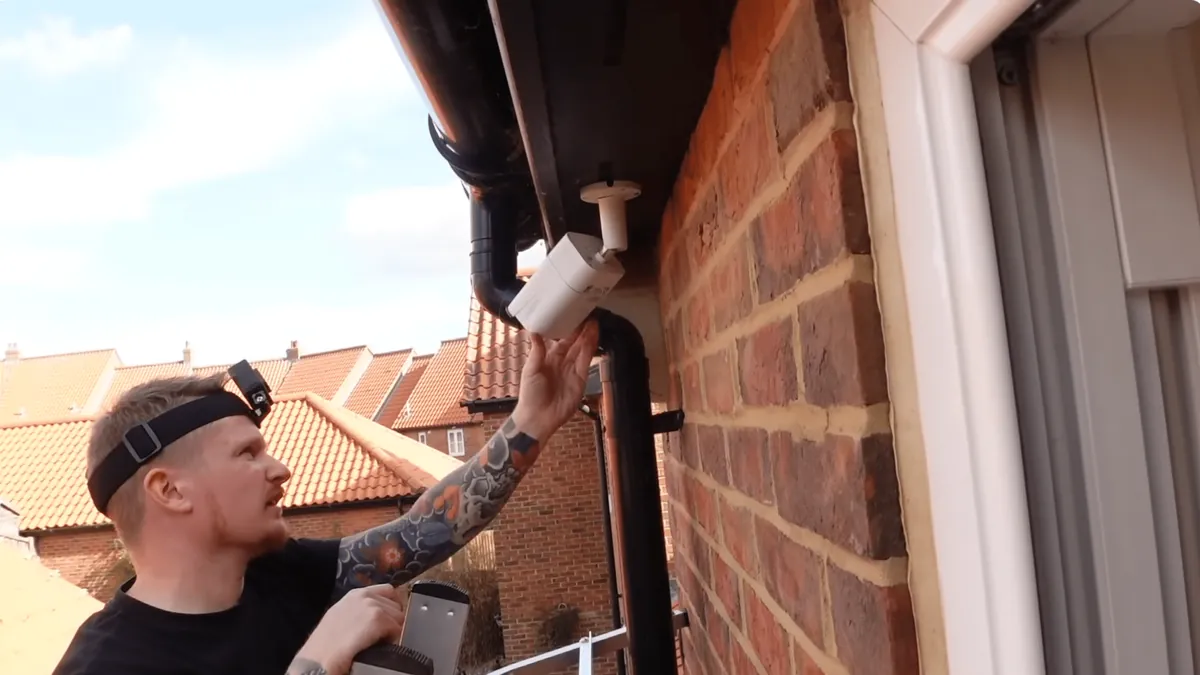
Two-story eaves, brick or concrete walls, long underground runs and multi-building sites justify a pro. Typical labor runs $80-250 per camera depending on market and difficulty, plus materials. An installer also brings a cable tester, fish tape and ladder skills most homeowners lack. Our installation support service covers commissioning for wholesale buyers.
3. Mistakes that kill camera systems
- Mounting so high that faces become hats: keep 2.5-4m for identification.
- WiFi cameras outside the router's reliable range: test signal at the mount point first.
- Forgetting the night test: walk the site after dark and confirm every zone is usable.
- Setting default passwords: change the admin password on cameras and the NVR before connecting to the internet.
- No SD card or drive before power-up: format storage first, or the first day of footage is lost.
Smart Features Worth Paying For
Half the "smart" features on spec sheets are noise. These five actually change how the system performs.
1. Motion detection that does not scream
Pixel-based detection triggers on leaves and shadows. PIR (passive infrared) detects heat and cuts false alerts sharply. Better cameras add human and vehicle classification. A passing car does not wake the whole house. Look for adjustable sensitivity and detection zones on every camera.
2. Two-way audio
A built-in microphone and speaker let you talk to a delivery driver or shout at a porch thief from anywhere. Audio quality varies widely; check the demo clip, not the spec sheet.
3. Siren and spotlight
An on-camera siren of 90-110dB plus a 200-800 lumen spotlight converts a camera into an active deterrent. Triggered by person detection, it stops many incidents before they escalate. If the camera has no siren, a $10 smart plug siren covers the same job.
4. App and alerts
The security camera app is the product. Free P2P remote access, push alerts within 1-3 seconds, multi-camera grids and instant playback matter more than any hardware gimmick. Test the app on cellular data, not just home WiFi.
5. Privacy controls
Privacy zones block out neighbors' windows, and schedule-based shutter modes turn indoor lenses off at night. These features matter for legal compliance and for the family's comfort, not just for the spec sheet.
Security Camera Price: What Each Tier Buys
Security camera price spans $15 to $300+ per unit, and the tiers map cleanly to the specs above. The table is a retail reference; wholesale pricing sits 30-50% below these numbers.
| Tier | Typical price | What you get |
|---|---|---|
| Budget indoor | $15-35 | 1080p, 10-15m IR, SD card, basic motion alerts |
| Mainstream | $35-80 | 2K/4MP, H.265, PIR or smart detection, two-way audio, local + optional cloud |
| Premium | $80-200 | 4K/8MP or full-color, 30-50m IR, 120dB WDR, siren, spotlight, PTZ options |
| Outdoor specialty | $60-250 | IP66-67, heater, solar or 4G variants, vandal-resistant housing |
| Kits (4-8 cameras + recorder) | $150-600 | Complete home camera system with NVR or DVR, drives, cables, ready to install |
| Professional install | $80-250 per camera | Labor, cabling, mounting, configuration and training |
Where the money actually goes
For a 4-camera home, the realistic total is $250-700 for hardware at retail, plus $0-1,000 for professional install. A security camera kit with cameras, recorder and drives is almost always cheaper than buying parts separately. For buyers who resell, the same hardware lands 30-50% lower from a wholesale distributor or factory. That spread is where the margin lives.
Buying for Resale: Wholesale, MOQ and OEM
The consumer market buys one camera. The B2B market buys containers. If you resell security cameras, supply, this section is the difference between a 10% margin and a 40% margin.
1. MOQ and lead time
Factory-direct MOQs for stock models typically start at 50-200 units; custom OEM orders (your logo, your firmware, your app name) usually require 500-1,000+ units. Lead time runs 15-45 days for stock and 30-60 days for OEM, plus shipping. Always confirm MOQ, lead time and incoterms in writing before sampling.
2. OEM, ODM and private label
OEM means your brand on the housing and box. ODM means the factory designs or adapts the product for you, including custom app branding and firmware settings. Private-label security cameras let a local brand sell factory hardware with its own identity. Ask the manufacturer for: private-label firmware, pre-set ONVIF defaults, kit bundling (camera + NVR + cables), and a compatibility list for third-party recorders. See our OEM/ODM service page for the process.
3. Certifications and quality control
Shipment-ready cameras carry CE and RoHS for Europe, FCC for North America, and often UL or TÜV on premium lines. Ask which certificates are current and whether they cover the exact model and firmware version you are buying. QC is where margins are lost: specify an AQL inspection (typically 2.5 for major defects), pre-shipment sample checks, and a warranty of 1-2 years with a documented RMA process.
4. Factory vs distributor
A security camera manufacturer sells direct at factory prices with longer lead times and higher MOQs. A distributor stocks inventory, sells small quantities and offers faster delivery at a markup. In short: a security camera supplier that holds stock is a distributor, and one that builds to order is a factory. Most resellers run both. Distributor stock covers immediate orders, factory-direct covers the volume line. ONVIF compliance protects the buyer in both cases, because cameras are interchangeable across recorders.
The wholesale math: a $70 retail 2K outdoor camera costs roughly $25-40 factory-direct at volume. After shipping, duty and platform fees, a reseller keeps 25-40% gross margin at competitive retail pricing. That spread is the entire reason the security cameras wholesale trade exists.
Best Home Security Camera Choices by Use Case
"Best home security camera" has no single answer, because the best camera for a rental apartment is wrong for a farm. Match the use case and the site, and the right model is usually obvious.
1. Front door
A doorbell camera (2K minimum, 160°+ field of view, two-way audio) watches the approach and catches packages. Pair it with a wall camera angled down for face capture. Chime and app alerts within seconds matter more than resolution here.
2. Backyard and yard perimeter
An outdoor security camera with 30m+ IR or full-color night vision, 120dB WDR and an IP66 housing covers the yard. PTZ models sweep large gardens with one unit instead of four fixed cameras.
3. Living room and indoor zones
An indoor pan-tilt camera with two-way audio watches the whole room, tracks movement and doubles as a pet camera. Position it 2.5-3m high, opposite the entrance.
4. Nursery and elderly care
Indoor mini cameras with cry detection or sound alerts, privacy shutter and no subscription are the standard choice. 1080p is enough; latency and alert reliability matter more.
5. Rentals and apartments
No-drill installation is the constraint. Battery and solar cameras mount with straps or existing fixtures, and indoor plug-in cameras sit on shelves. A wifi security camera avoids cabling entirely in a rental.
6. Farms, cabins and construction
Remote sites need solar cameras and 4G cameras: no mains power, no WiFi, motion-only recording to keep data costs near 10-30 GB per month.
7. Whole-home coverage
For 4+ cameras, a home security camera system with an NVR and PoE wiring beats a pile of standalone units: one app, one storage pool, no subscription. Home security systems with cameras sold as kits are the cheapest camera system for home use. CCTV kits bundle the recorder, drives and cabling in one box. Our home security solutions page maps the same logic to typical house layouts.
The same use cases drive wholesale demand for security cameras for home and light-commercial projects. Integrators quote these exact configurations, and the best camera for home security in each segment is the one a reseller can stock, support and margin.
Final Checklist Before You Buy
Use this checklist against any quote, retail listing or factory price list. It covers the decisions that actually affect performance, cost and expansion.
- Resolution: 1080p floor, 2K/4K for identification zones
- Night: IR range vs site distances; full-color for critical zones
- WDR: 100-140dB for driveways, gates and windows
- Power: PoE, plug-in, battery or solar matched to each mount point
- Network: WiFi coverage tested at the mount, or cable run under 100m
- Storage: SD card, NVR drive or NAS sized with the 43 GB/day rule
- Subscription: free P2P remote access confirmed, cloud optional
- Audio: two-way audio and siren where deterrence matters
- Alerts: human/vehicle detection, zones, 1-3 second push
- Privacy: privacy zones and schedule-based shutter
- Compliance: ONVIF Profile S/T, CE/FCC/RoHS, IP rating for outdoor
- B2B terms: MOQ, lead time, warranty, AQL inspection and RMA in writing
The Bottom Line
A home security camera system is not a single product. It is a site plan: the right camera for each zone, the right power strategy for each mount point, and storage math that matches the retention you actually need. Start from the site, not from the brand. Choose 2K or better, H.265, a real IR range or full-color optics. Use local storage with free remote access, and a recording plan that survives a dark night. For buyers who resell, add the wholesale questions: MOQ, lead time, certifications, AQL inspection and OEM terms. The margin lives in the supply chain, not in the box. Get those decisions right once, and the system records for years without a single monthly fee.
NEXT STEP
Ready to Upgrade to Full-Color Night Vision?
Send us your requirements — our team responds within 24 hours with pricing and lead time.
Written by
Ray ChanCCTV Buyer's Guide Author · Full-Color Night Vision Specialist. Ray helps global importers and integrators source factory-direct security cameras.